Rules from the feed
Injection attempts in query strings, path traversal, bad HTTP methods, known scanner signatures and executable markup in bodies.

Your cart
Your cart is empty.
Choose a planA host firewall watches packets. The requests that break plugins look normal on the wire and hostile to WordPress, so the rules belong inside the application.
Three interception layers before wp-config.php, the MU-phase and the main shield. A request that fails the rules never reaches a theme, a plugin or MySQL.

Method, path, query, body and the address that sent them. One decision, one line in the log.
Injection attempts in query strings, path traversal, bad HTTP methods, known scanner signatures and executable markup in bodies.
Before wp-config.php, in the MU-plugin phase and in the main shield, so a failed request never reaches PHP work.
Every block writes which rule fired and why. Tuning becomes reading, not guessing.
A host firewall watches packets. It cannot see that a request is a POST to a vulnerable form field with a payload that only makes sense to one plugin. A plugin firewall sees exactly that, because it runs after TLS and before WordPress decides what to do.
The two do not replace each other. Keep the network perimeter with the host, put the application perimeter in the plugin, and let the log tell you which one acted.
Attempt limits and the ban ladder for the login form live in the same plugin: brute force protection.
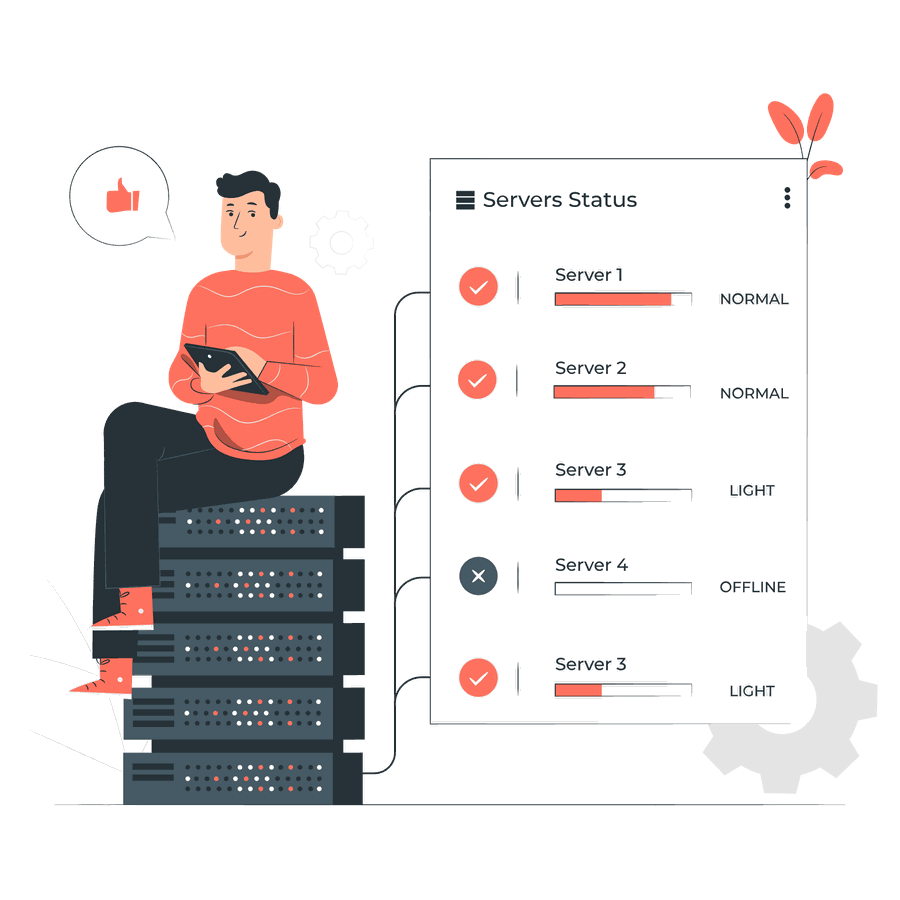
Five steps, and the third one saves the support ticket.
It picks a protection level for the site and keeps risky options off.
Payment providers, uptime monitors, backups and your own REST calls cannot pass a browser check.
The first day shows what normal traffic looks like before you tighten anything.
The admin address and the API namespace are yours to restrict.
A new version can add routes, and routes are what rules match.

It stops the request that would exploit a hole. The plugin still needs an update.
If the host already dropped a request, the plugin never receives it and has nothing to log.
What site owners ask before turning the rules on.